Send Beautiful HubSpot Blog Digest Emails Without Lifting a Finger
Automatically pull your latest blog posts into HubSpot and send fully branded, professional digest emails. No copy-paste or manual setup required.






Why Sending Blog Digest Emails in HubSpot Is So Painful
If you’ve ever tried to create a recurring blog email in HubSpot, you know the struggle.From formatting and resizing images to endless copy-paste, it’s a repetitive, time-consuming process that never seems to get easier. HubSpot is powerful, but it wasn’t built for fast-moving content teams who just want to share their latest posts beautifully and consistently.
Template struggles
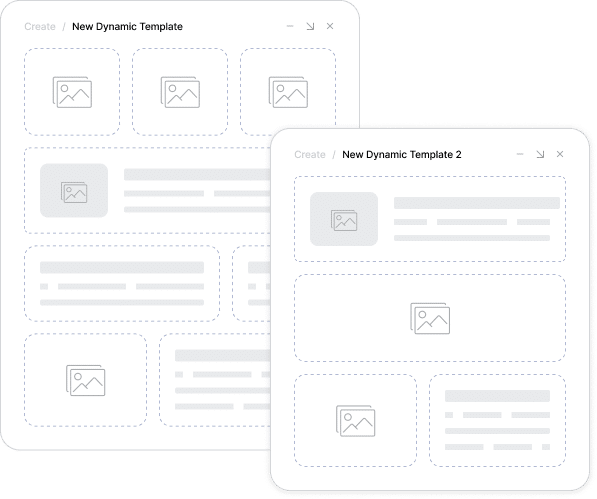
Designing Every Email from Scratch
Building a blog digest in HubSpot often feels like reinventing the wheel. Custom templates can be tricky, and the native editor doesn’t always cooperate. What should be a quick send becomes a design project every single time.
Content copy-paste
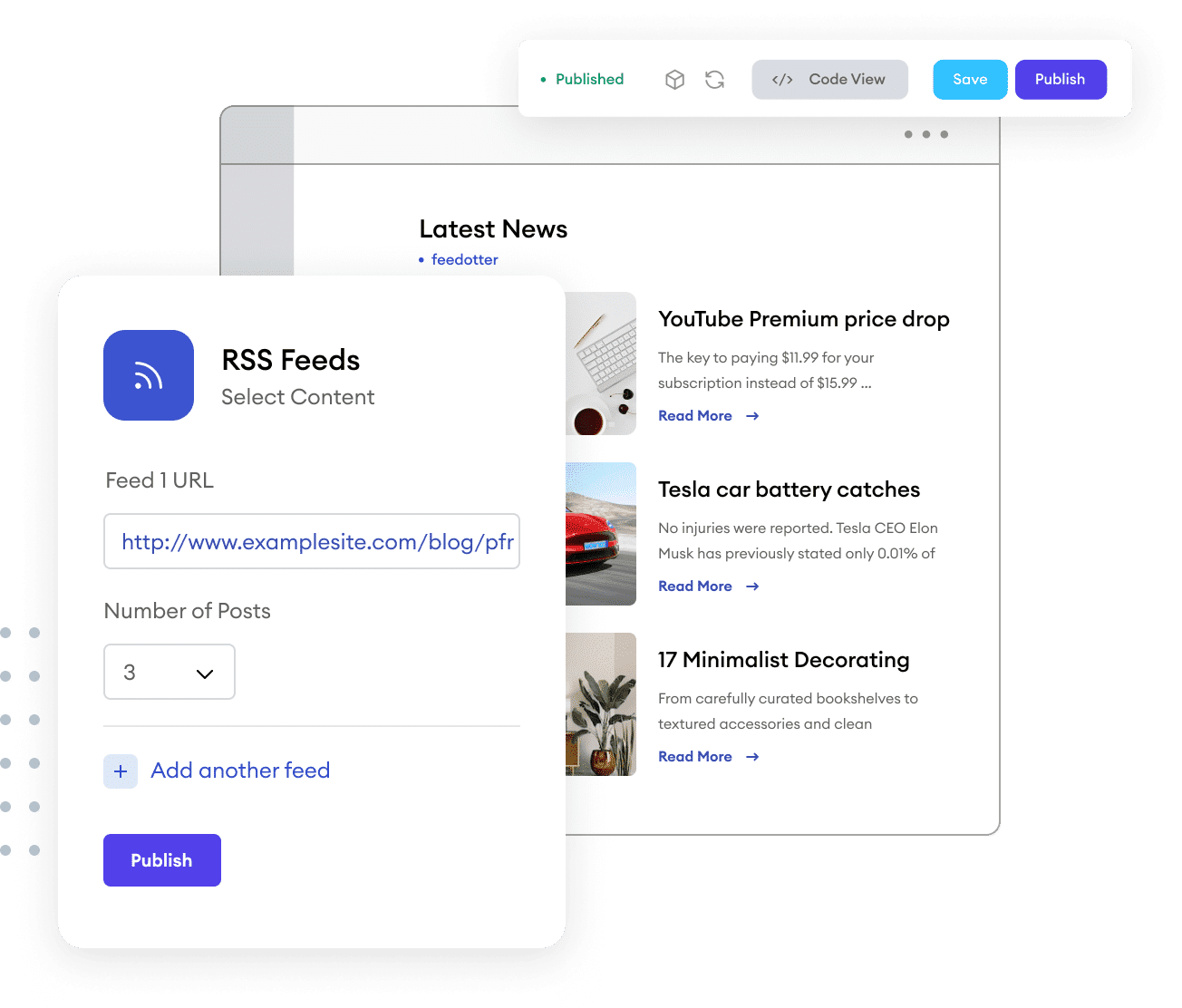
Turning Blog Posts into Emails Is a Chore
Every new post means copying titles, text, and images, resizing assets, and double-checking formatting.Multiply that by every week or day, and it’s easy to see why most teams dread sending blog digests.
Repetition fatigue
Doing the Same Tedious Work Again and Again
Formatting, testing, and scheduling each digest manually drains hours you don’t have. The result is missed sends, inconsistent engagement, and a blog that never reaches its full audience.
Brand risk
Inconsistency Creeps In
When every digest is built by hand, mistakes happen. Broken links, stretched images, and off-brand layouts are common.
Your content deserves better than a manual process that puts quality at risk.
If this sounds familiar, you’re not alone. We’ve been there too. That’s exactly why we created Feedotter for HubSpot — to make blog digests effortless, consistent, and automatic
HubSpot blog digest automation
Feedotter Automates the Job for You
Feedotter automates every step of your HubSpot blog digest, from pulling posts to formatting emails, so they send on time and always look perfect.
Instant magic
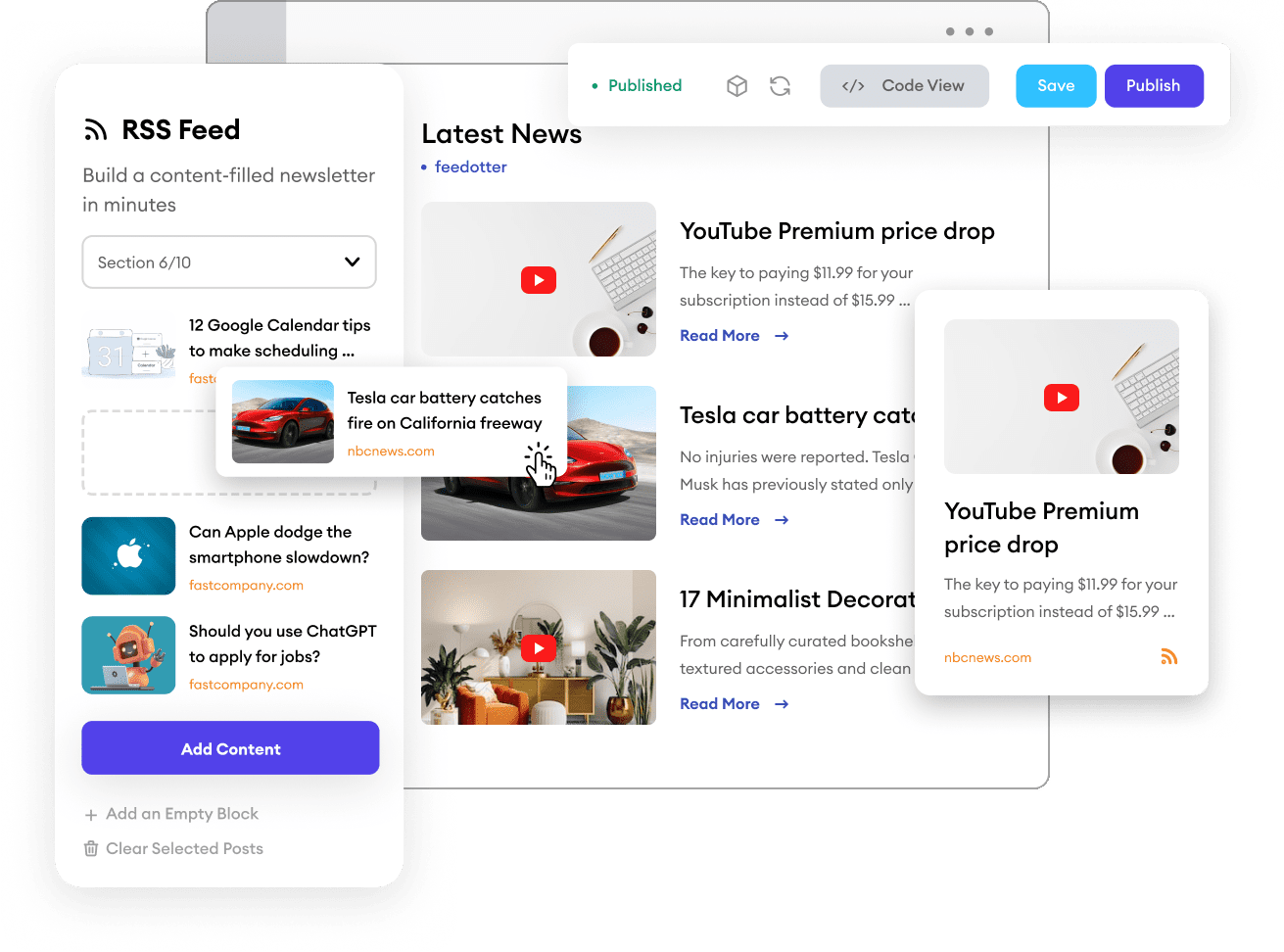
See Your Blog Content Appear Automatically
The first time Feedotter pulls in your blog posts and perfectly formats them into your HubSpot email template, it just clicks.
Your images, titles, and links show up instantly. No copy-paste, no rebuild, no hassle.
Built-in familiarity
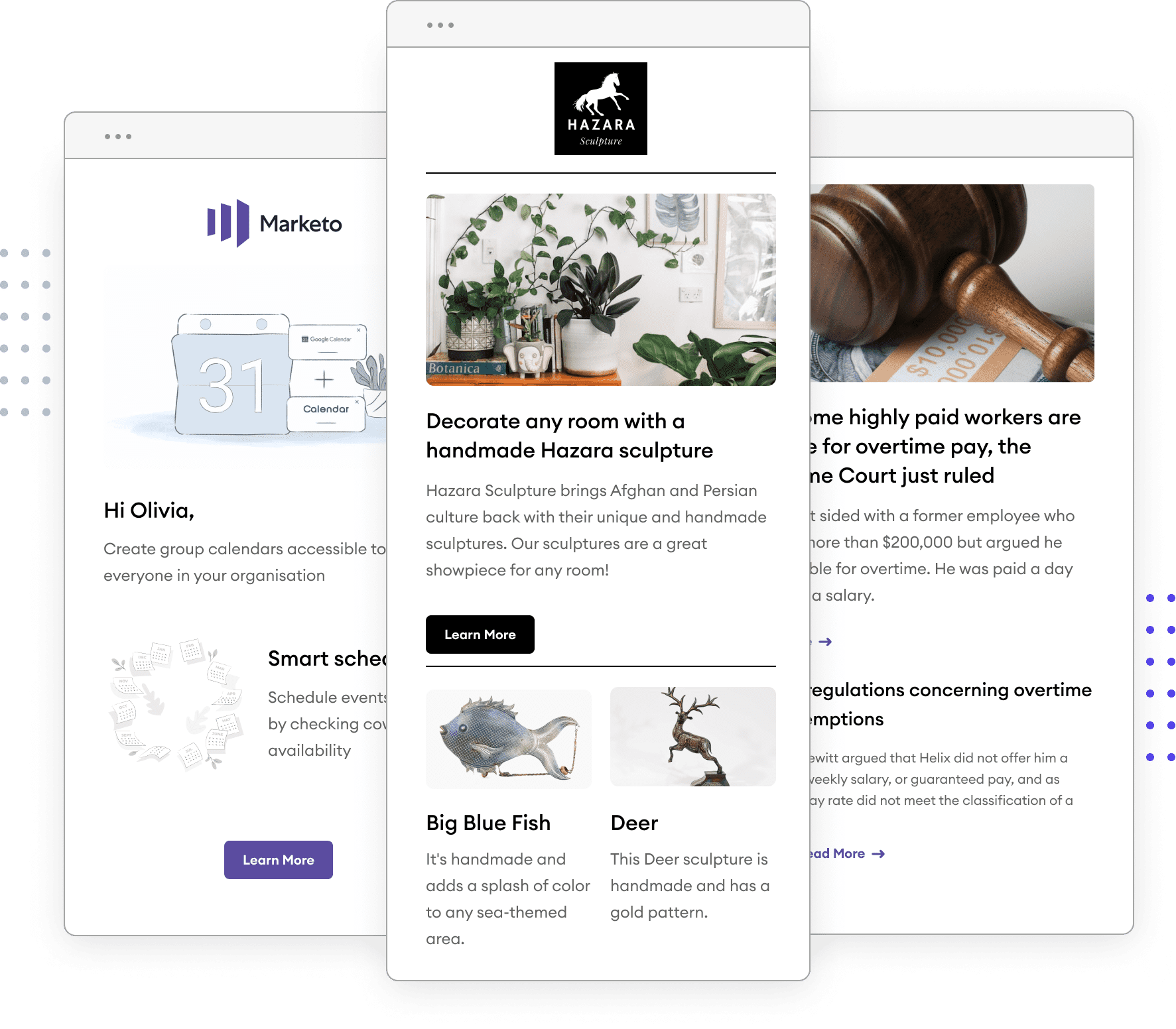
Works Seamlessly with Your HubSpot Templates
Feedotter uses your existing HubSpot templates, so there’s nothing new to design or learn.
You get the comfort of your current setup with automation doing the heavy lifting behind the scenes.
Complete control
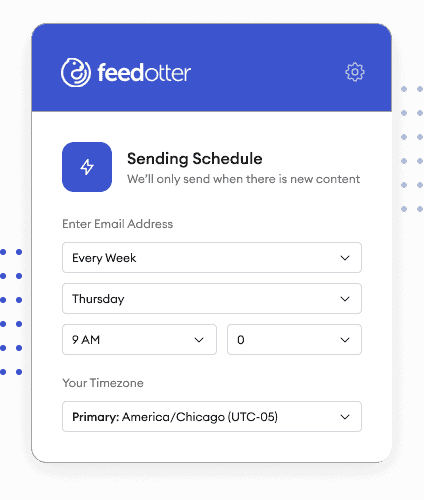
You Decide What Sends and When
You can review each email before it sends or let automation take over completely. You are always in control, from review mode to full autopilot.
True relief
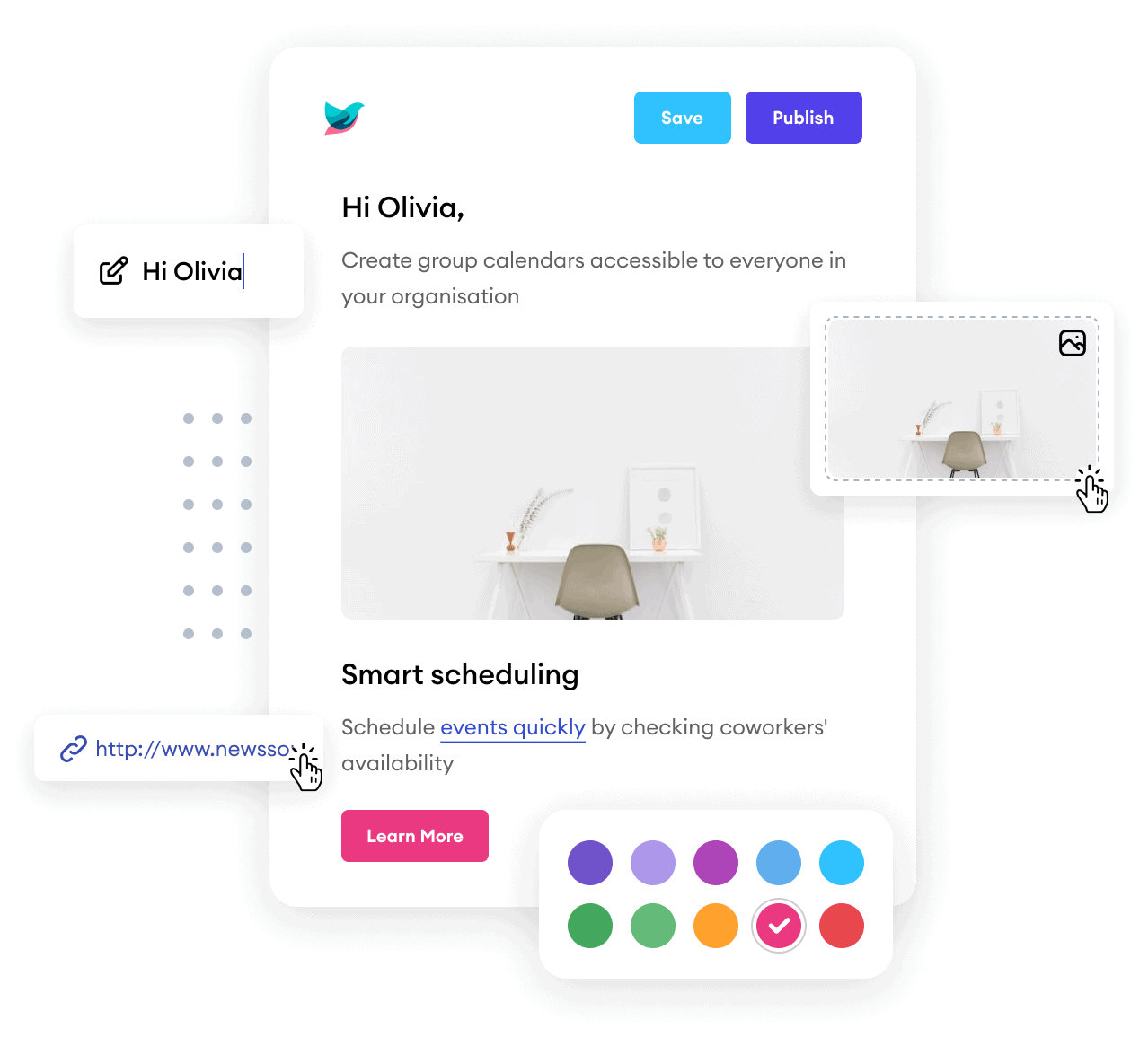
Fully Hands-Off, Always On-Brand
Hit Start once and watch Feedotter build, schedule, and send your digest from within HubSpot automatically. No more tedious rebuilds. Just effortless, professional email delivery every time.
FAQs
Everything you need to know about the product and billing.
Can't find the answer you're looking for? Please contact our friendly team.

Feedotter works seamlessly with your existing HubSpot blog digest templates and designs. You can import your current HubSpot blog digest template directly into Feedotter, or our team can help configure it for you. This ensures your digest emails stay perfectly on-brand while still benefiting from Feedotter’s automation features. If you don’t already have a template, Feedotter also provides a library of responsive, pre-built designs you can customize.
No. Feedotter does not replace HubSpot ‘s blog digest sending functionality. Instead, it integrates with HubSpot helping you to build and layout your daily newsletters and scheduling them in HubSpot for sending, tracking, and reporting. This way, you keep all your newsletter analytics and deliverability within HubSpot.
Feedotter doesn’t replace HubSpot’s blog digest analytics — it enhances it. Because digests are sent through HubSpot, all opens, clicks, and engagement metrics remain tracked in the same place as your other campaigns. Feedotter automates the content and formatting process, while HubSpot handles deliverability, reporting, and analytics using the familiar Email Performance and Email Link Performance reporting. Additionally, many HubSpot blog digests use Feedotter’s UTM tagging feature to enable web-traffic analytics as well.
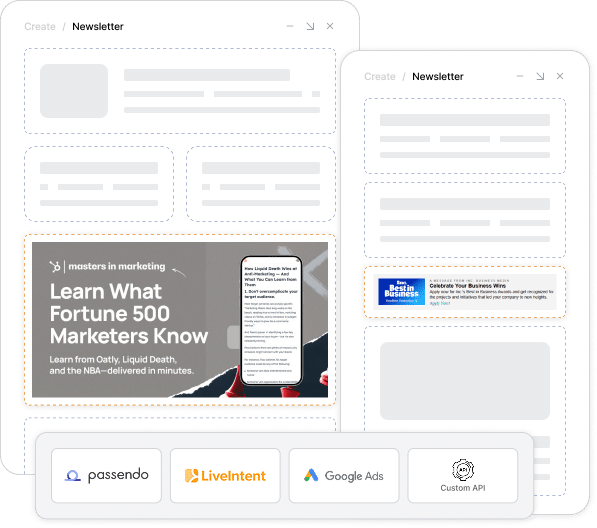
Yes. If your HubSpot blog digest include advertising placements, Feedotter will support them. You can embed ad server code, HubSpot tokens, or dynamic assets directly into your newsletter templates. Feedotter automatically populates your content while keeping ad slots intact, so your HubSpot newsletters can carry sponsorships, promotions, or house ads just like they do today.
Yes. Feedotter can help you personalize your blog digest content based on various segments and field properties. Send personlized content to segments and audiences like never before possible with HubSpot. This ensures your audience receives more relevant emails and drives higher engagement.