Automate Your Omeda Newsletter Workflow
Feedotter automates Omeda newsletter production: it pulls articles from your CMS or feeds into your Omeda newsletter template and generates a ready-to-review draft for every issue. Feedotter is a content-to-email automation platform that works alongside your existing Omeda setup: you keep sending through Omeda with no migration, and audience segmentation, scheduling and delivery stay there.
Built specifically for teams managing high-volume Omeda newsletters.
- B2B publishers and media companies
- Associations sending recurring newsletters
- Marketing teams managing multiple content-driven emails
Upgrade your Omeda newsletter workflow
Take the Manual Work Out of Your Omeda Newsletter
Omeda gives you powerful audience data and reliable delivery. Feedotter takes on the production side, so your team spends less time on the repetitive work every issue involves:
- Copying articles and images from your CMS into email
- Rebuilding the same newsletter layout every send
- Fixing formatting, spacing, and rendering issues
- Coordinating between editorial, advertising, and email teams
- Spending hours on production for each Omeda newsletter
Automating that work makes it easier to scale your Omeda newsletter program and increase send frequency.
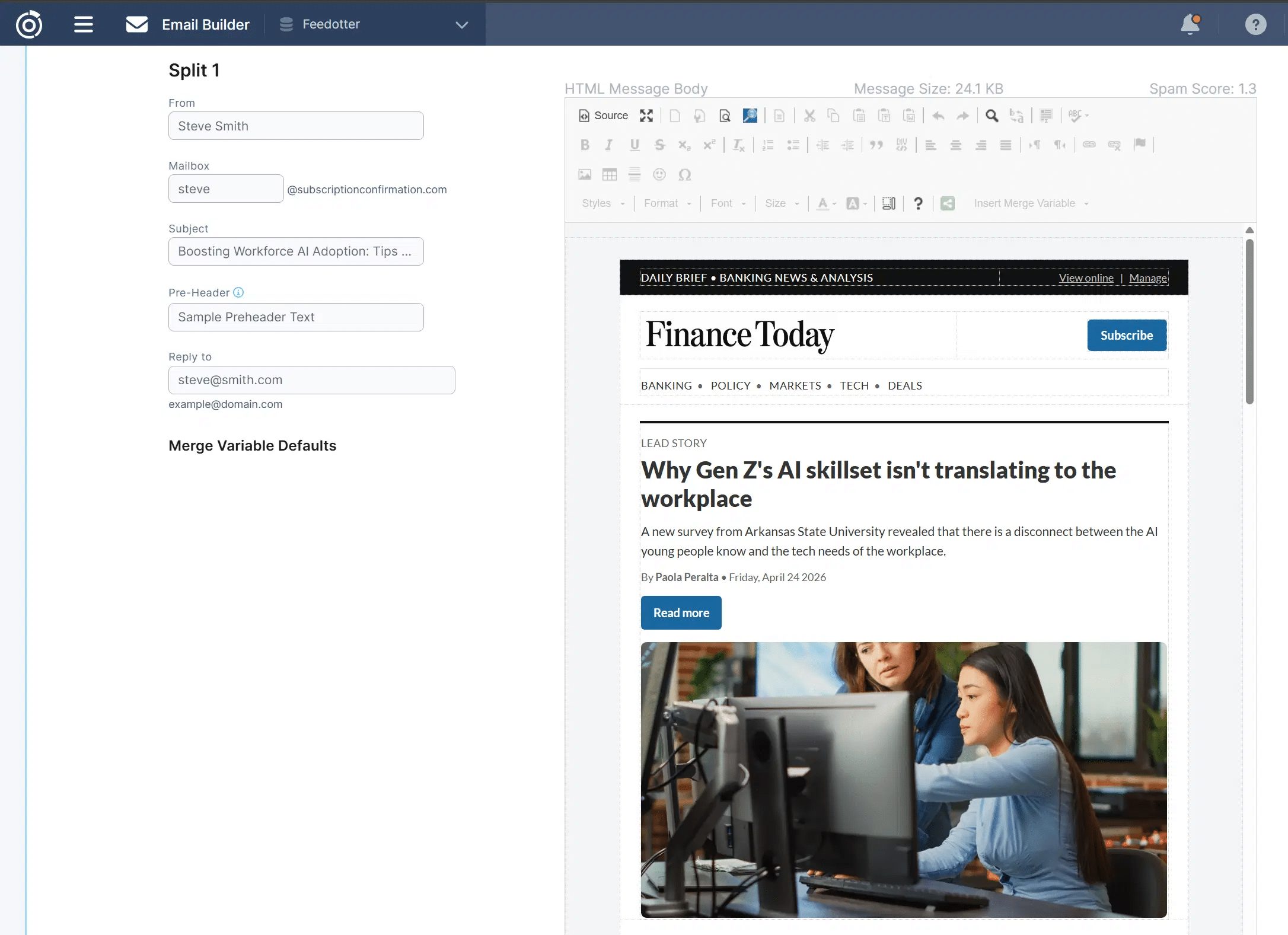
High-volume newsletter teams
Common Omeda Newsletter Use Cases
Feedotter is used by teams running high-volume or recurring Omeda newsletters that rely on content.
Typical use cases include:
- Weekly editorial newsletters powered by CMS content
- Industry news digests that pull in the latest articles
- Association newsletters with ongoing updates
- Event and conference email series
- Multi-brand or multi-publication newsletter programs
If your Omeda newsletter relies on regularly publishing content, Feedotter can automate most of your production workflow.
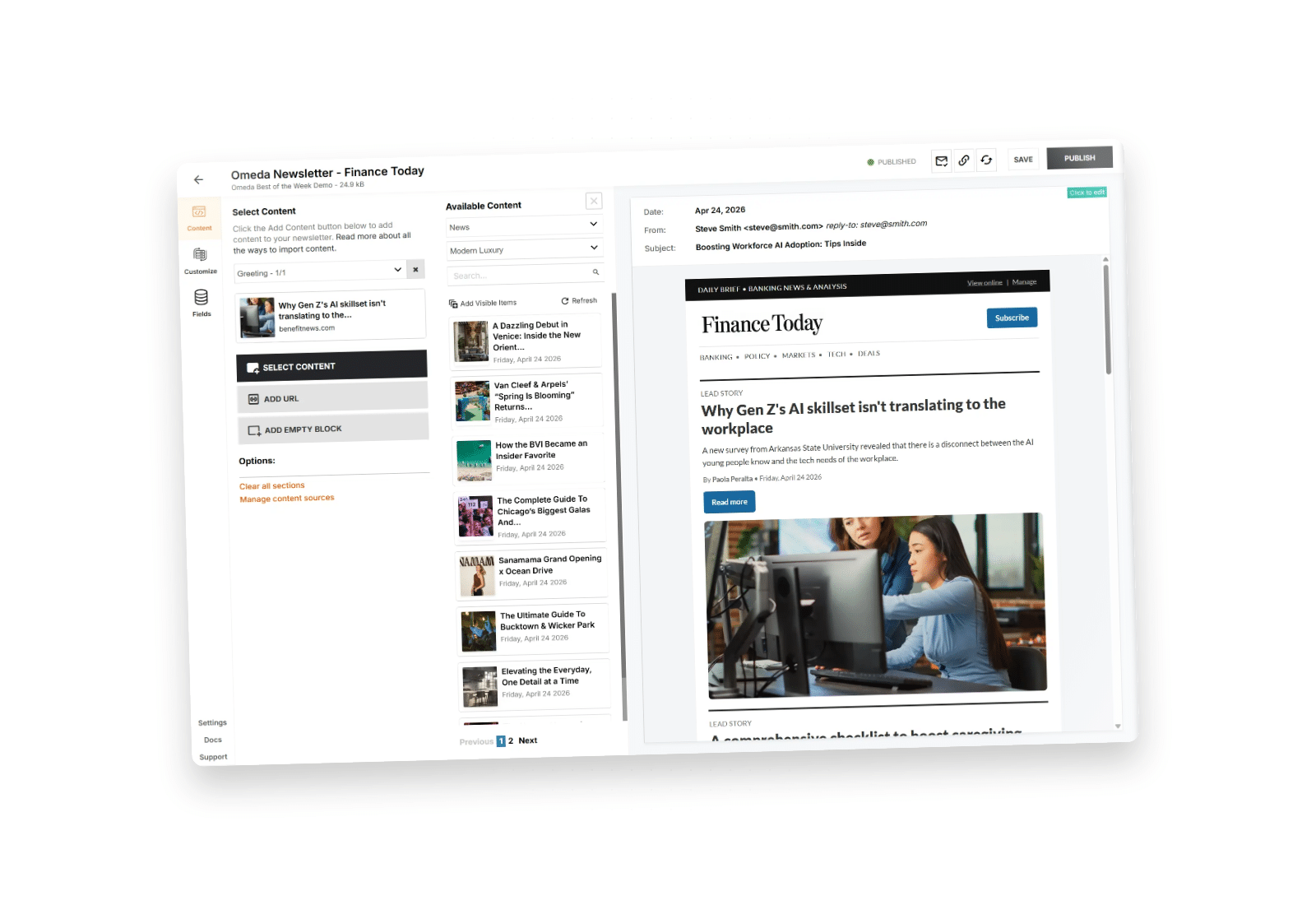
How Feedotter Automates Your Omeda Newsletter Workflow
Feedotter automates the process of building your Omeda newsletter by connecting your content directly to your email templates and generating campaigns automatically.
Connect Your Content
Pull articles, posts, or updates directly from your CMS, blog, or content feed—no manual copying required.
Define Newsletter Layout
Set up your Omeda newsletter template once, including sections, formatting, and structure.
Map Content to Sections
Control how content flows into your newsletter (latest articles, categories, tags, or curated selections).
Generate Automatically
Feedotter assembles your Omeda newsletter using live content—an automatic first draft ready to review every morning.
Send via Omeda
Use your existing Omeda workflow for scheduling and delivery—no changes required.
Track Performance
Understand which content drives clicks and engagement so you can improve future sends.
Built for Omeda Newsletter Workflows
Most teams reduce newsletter production time from hours to minutes.
Reduce Production Time
Build your Omeda newsletter in minutes instead of hours.
Eliminate Manual Work
No more copying, pasting, or reformatting content for every send.
Stay Consistent
Ensure every Omeda newsletter follows the same structure and formatting.
Use Your Existing Omeda Setup
No changes to how you segment audiences or send campaigns.
Always Use Fresh Content
Automatically include your most recent articles or updates.
Scale Newsletter Output
Send more frequently without increasing workload.
Explore Every Way Feedotter Extends Omeda Automation
Feature
Omeda Newsletter Builder
Curate content, ads, editorial, and more into rich newsletters that can be curated or automated.
Feature
Enterprise RSS Automation
Automate blog, podcast, and video digests into Omeda emails, straight from your feeds.
Feature
Omeda Email Builder
Design precise, on-brand Omeda marketing emails in seconds with our Notion-inspired email tools.
Coming Soon
FAQs

No. Feedotter works alongside Omeda. It streamlines or fully automates newsletter production and review, while Omeda continues to handle audience segmentation, scheduling, and delivery.
Feedotter generates the email content for your Omeda newsletter and fits into your existing workflow. You continue using Omeda to send and manage campaigns.
An Omeda newsletter is an email campaign sent through the Omeda platform, typically using audience segmentation and first-party data. Feedotter automates how these newsletters are built from your content, and you continue using Omeda to send and manage them.
Most teams are up and running quickly since Feedotter works alongside your existing Omeda setup and does not require changes to your sending process.
Absolutely. Feedotter is trusted by top publishers, B2B brands, and enterprise marketing teams. It is specifically built for organizations that need predictable, consistent, and continuously improving publishing. Our enterprise newsletter platform scales to handle high-volume recurring email content while maintaining strict brand standards.
The Ad Manager is a standout feature for publishers looking to monetize their automated newsletters. It allows you to manage advertisers, line items, ad spots, and campaign schedules directly within the platform. You can set up rule-based ad scheduling for both static “build-time” ads and banner-style rotations.
Yes. You can build a library of templates that make design routines simpler than ever. Feedotter’s flexible template system lets you choose from unlimited design options, including custom columns and rows. All you need to do is set your colors, layout preferences, and logo to generate professional, branded newsletters that look perfect every time.
We provide a Unified Newsletter Metrics Dashboard that gives you a single-pane view of the data you need. You can track subscriber trends and assess performance metrics for your sends in real-time. This comprehensive dashboard supports accelerated data analysis and provides key insights to help you optimize performance.
Not at all. Ease of use and setup is a major priority for us. Customers report that Feedotter “just works” and allows them to take ideas from editorial to reality without back-and-forth. By automating the manual rebuilding of newsletters, teams see production times positively impacted almost immediately.
Scaling newsletters often leads to errors in assembly and inconsistencies. Feedotter solves this by using defined templates where you simply choose your layout preferences. This ensures that whether you send one newsletter or one hundred, your designs are attractive, consistent, and error-free across all channels and audiences.