Promote Every Podcast Episode Automatically in Hubspot
Creating podcast emails in Hubspot shouldn’t take all afternoon. Feedotter pulls in your latest episodes and builds branded, ready-to-send emails automatically—helping you stay consistent, save hours, and grow your audience with ease.
Trusted by top publishers, B2B brands, and enterprise marketing teams.


MAKE Hubspot PODCAST AUTOMATION EASY
Simplify Podcast Email Workflows in Hubspot
You already spend hours creating great episodes. Promoting them shouldn’t feel like another full production.
Feedotter automatically detects new episodes, formats your content, and schedules perfectly timed Hubspot emails—no copying, coding, or last-minute edits required.
Works Seamlessly with Every Major Podcast Platform
UNIVERSAL COMPATIBILITY
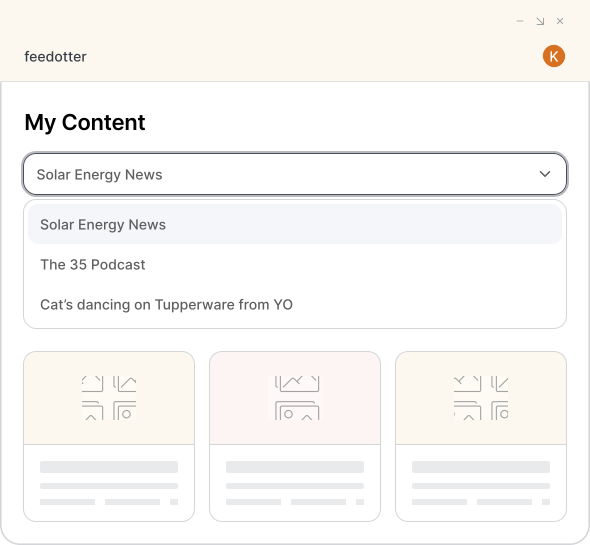
Feedotter connects directly to your podcast’s RSS feed and syncs automatically with major platforms including Apple Podcasts, Spotify, Google Podcasts, Libsyn, Anchor, Buzzsprout, Podbean, and more.
Each time you publish, Feedotter instantly imports your artwork, title, summary, and show notes—creating a professional, personalized Hubspot email that’s ready to send in minutes.
Showcase Your Brand and Every Episode
DESIGN QUALITY
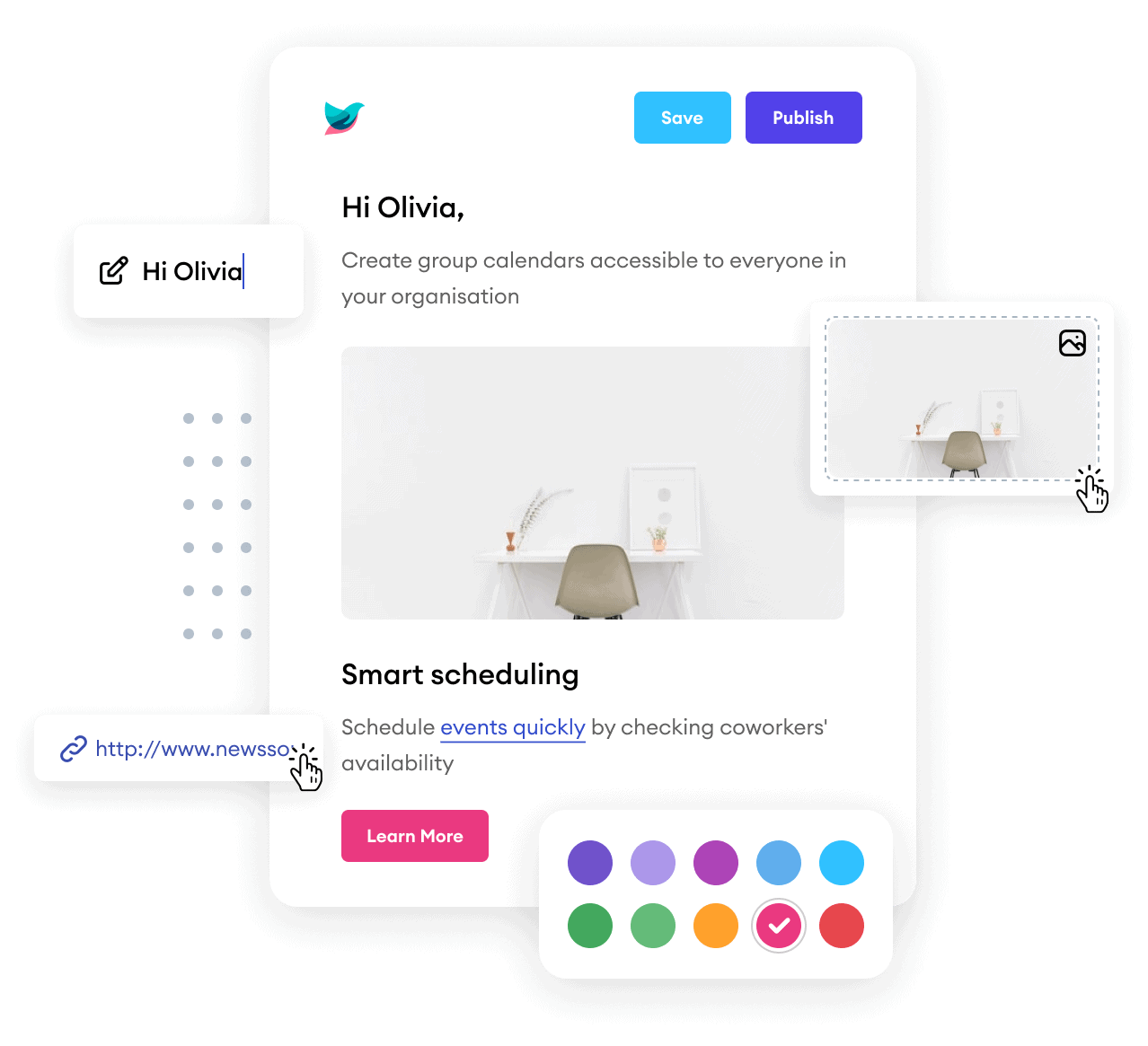
Feedotter gives you full access to podcast data fields, from episode titles and summaries to images and show notes, so your content always displays perfectly. Intelligent image resizing keeps layouts clean, while built-in UTM tracking and Hubspot token support ensure every email is personalized, measurable, and on brand.
No more formatting by hand. Just consistent, professional podcast emails that send on schedule and look great every time.
Turn Your Podcast Into a Continuous Growth Channel
AUTOMATION THAT BUILDS LISTENERSHIP
Feedotter doesn’t just automate your podcast emails—it helps you build lasting audience relationships.
Set up automated workflows that promote new episodes, re-engage listeners with past favorites, and keep your podcast top of mind between releases. Once configured, your podcast promotion runs itself, saving hours each week and delivering steady growth in engagement, traffic, and subscribers.

WHY FEEDOTTER
Built for Hubspot.
Trusted by Content Creators.
Feedotter isn’t just compatible with Hubspot it’s designed for it. Our software works natively inside your existing Hubspot environment, creating a frictionless experience for marketing teams that want control, consistency, and speed.
Creators love how easy it is to build professional, on-brand newsletters that look great on every device. Content teams love how little time it takes. Together, it’s the automation upgrade your Hubspot workflow has been missing.
- Feedotter helps us do more with less—allowing just one or two people to manage the volume of newsletters we produce.
 Caitlyn ShawGrowth @ GearPatrol
 - Feedotter has streamlined our newsletter process—turning hours of proofing and copy-pasting into a fast, efficient, and consistent workflow.
Jennifer CoffmanMarketing @ Cleveland Clinic
- Feedotter saves our small team at least four hours each week on newsletters, and those time savings add up quickly.
Jason OlasMarketing @ Vistage


FAQs
Everything you need to know about the product and billing.Can't find the answer you're looking for? Please contact our friendly team.
How does Feedotter connect to my podcast?
Feedotter connects directly to your podcast’s RSS feed. When you publish a new episode, it automatically pulls the title, description, image, and link into your Hubspot account.
Can I use my existing Hubspot email templates?
Yes. Feedotter works seamlessly with any Hubspot template. You can import your current HTML or start with one of our pre-built, mobile-optimized podcast designs.
Does Feedotter send the emails?
No. Feedotter creates and schedules the emails directly inside your Hubspot instance. They’re delivered, tracked, and reported using your existing campaigns, lists, and analytics.
Can I personalize my podcast emails?
Yes. Feedotter supports Hubspot personalization tokens and dynamic content, allowing you to tailor each podcast email to audience segments or subscriber preferences.
How does Feedotter help grow my podcast audience?
Feedotter ensures your episodes are promoted automatically, helping you maintain a consistent communication rhythm that drives repeat listens, subscriptions, and engagement.
Automate Your Hubspot Podcast Emails Today
Request a Demo