

One of our most anticipated features is finally here: the AI rewrite tool, which is incredibly helpful for getting those content summaries looking their best.
With the AI rewrite, you can now change the tone, lengthen/shorten, or summarize the content that Feedotter pulls into your newsletters.

How the AI Rewrite Feature Works
When you are adding content to a Curated email in Feedotter, click on the Edit icon of any piece of content to open the editing settings.
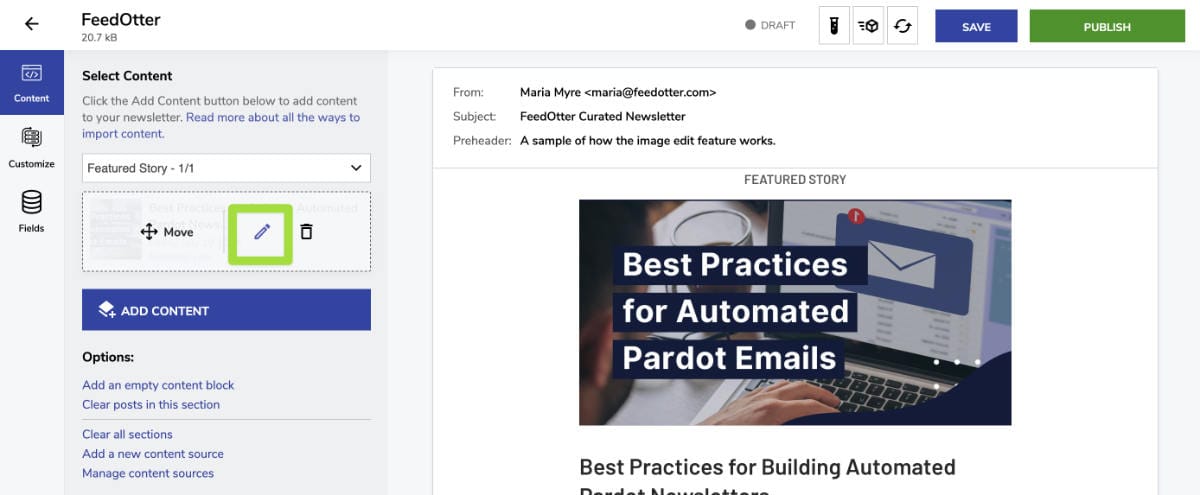
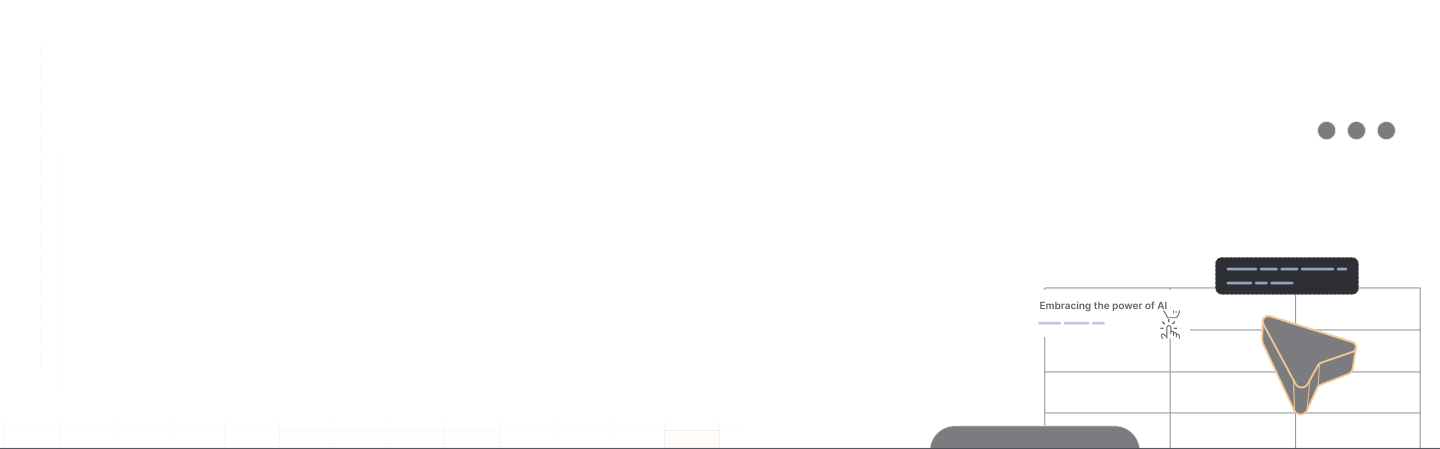
Click on the new AI icon, on the far right of the toolbar (indicated in the image below) to reveal a dropdown with several AI rewrite prompts.
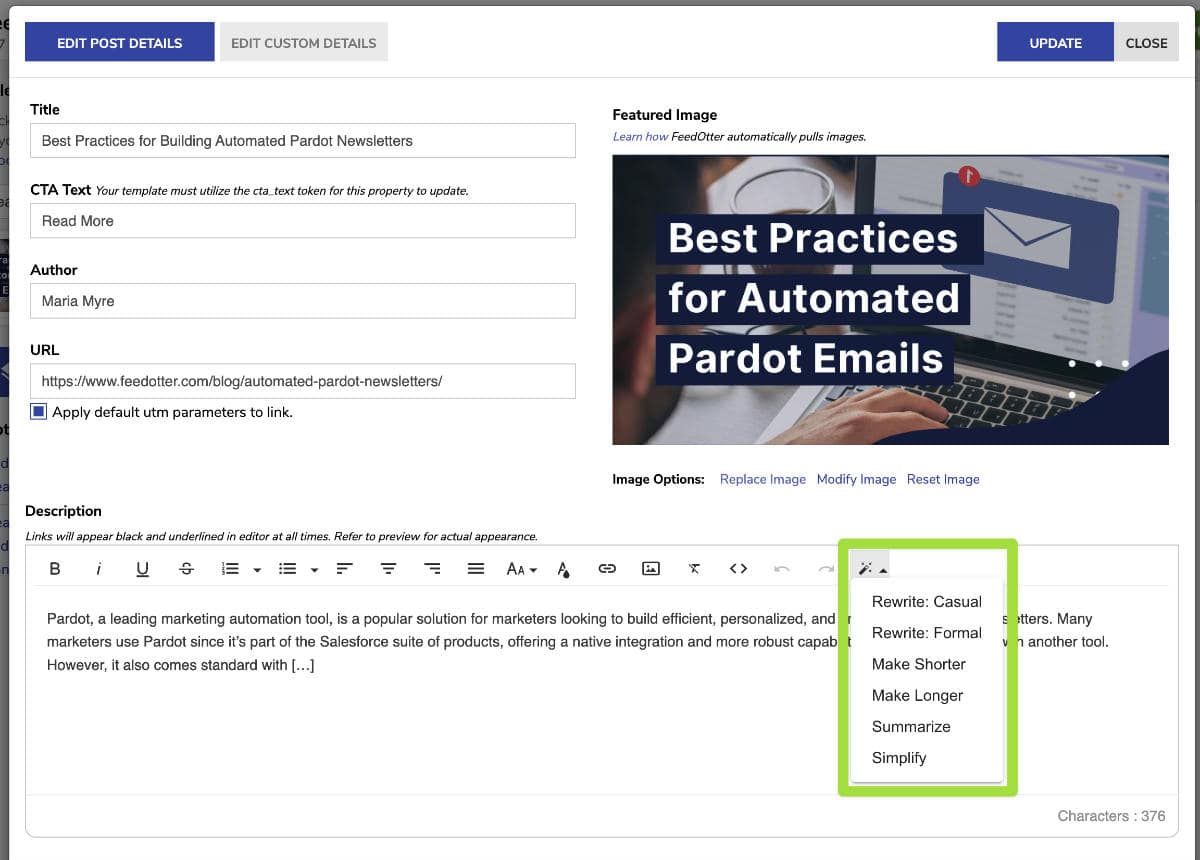
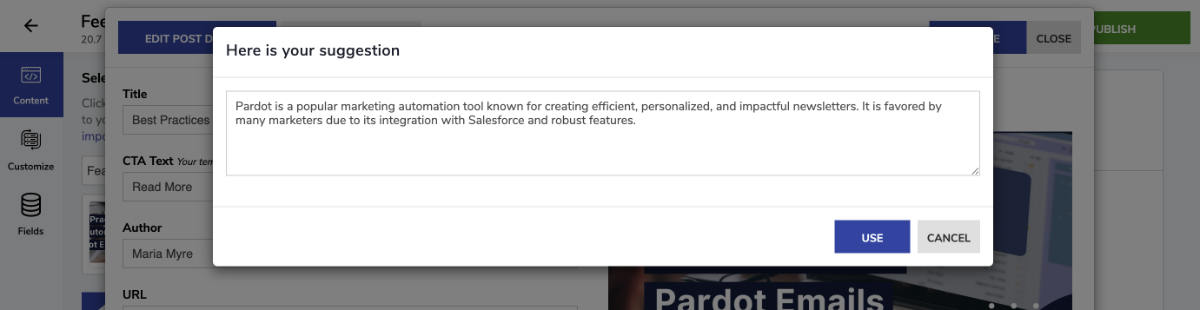
Clicking on a prompt will result in a popup with the AI generated text. Here, you can edit and save the text, or cancel out to try again.