
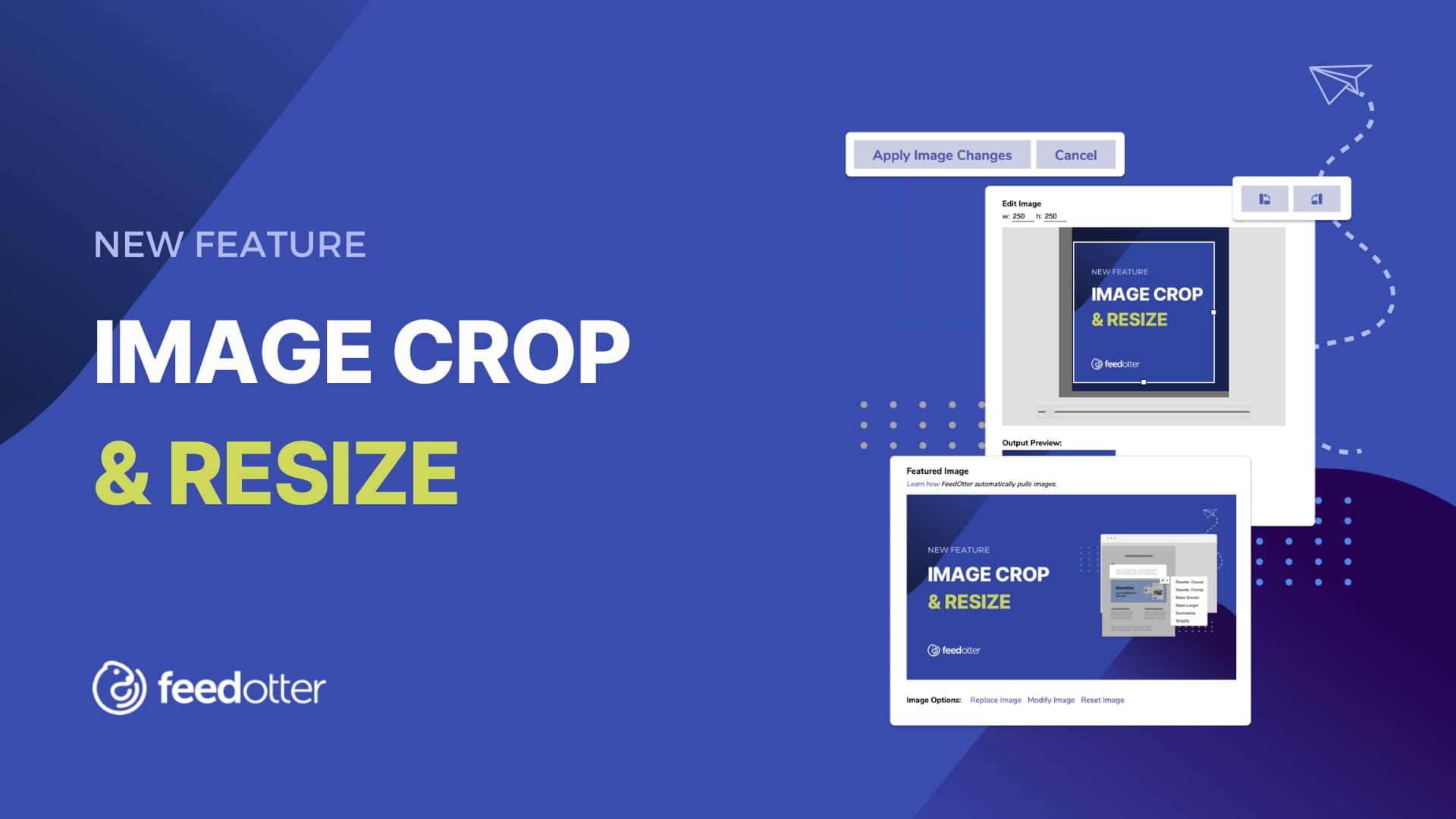
It’s finally here: image crop and resizing within the Feedotter interface.
This is a great way to quickly resize or crop the images that Feedotter pulls into your emails to ensure that every piece of content looks great in your newsletter, no matter what template or image dimension you’re working with.
Here’s how it works:
How to Use the Image Crop and Resize Tool
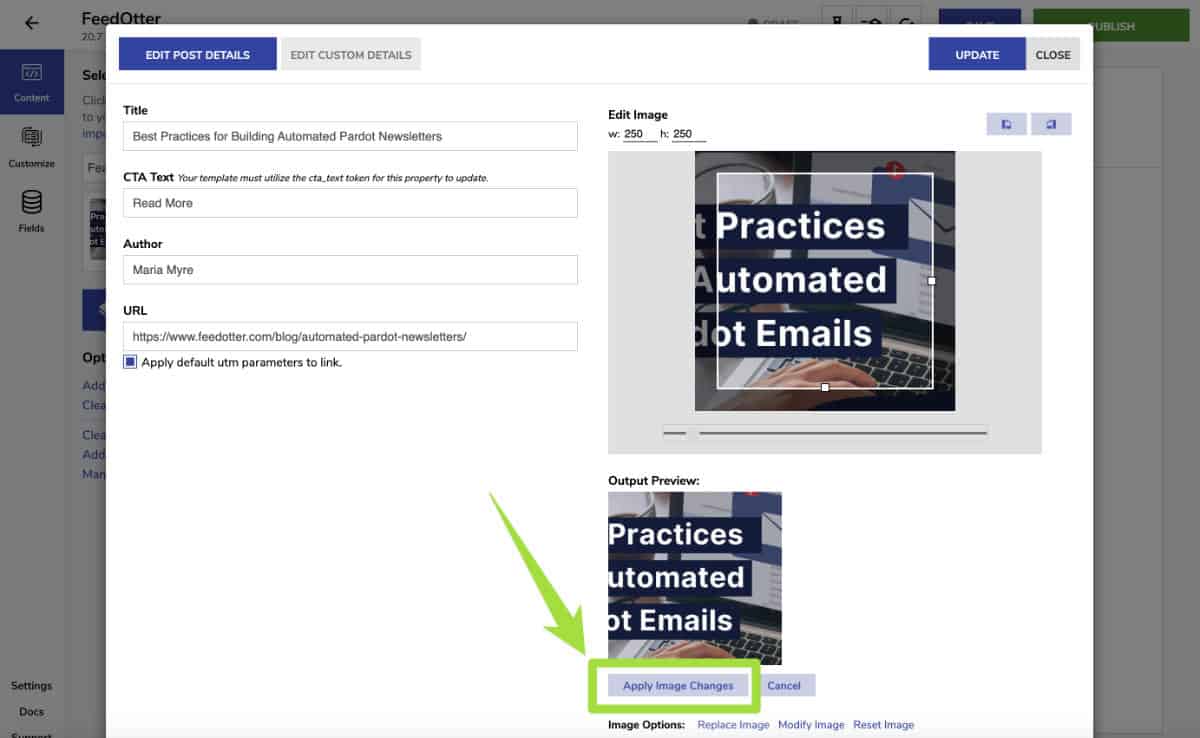
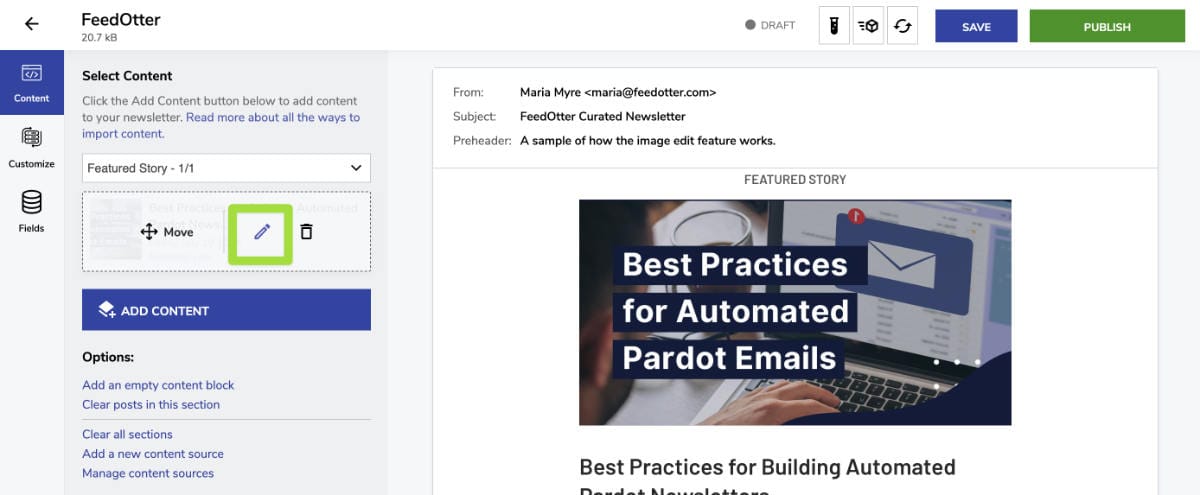
When you’re working in the Content tab of Curated emails, click on the edit icon to open up the editor settings for any piece of content that you’ve added via content sources.
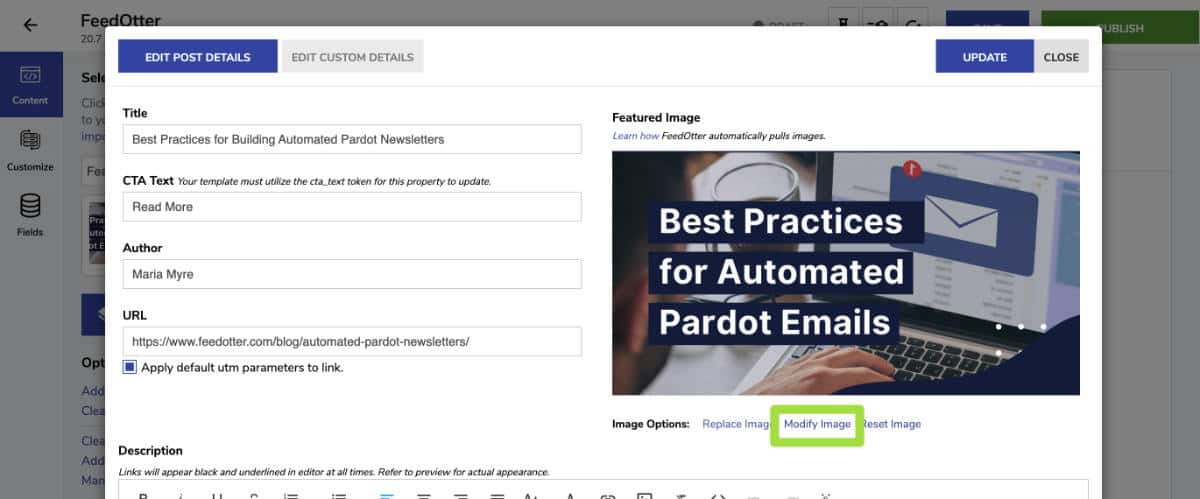
Here, you’ll see the option to Modify Image directly beneath the featured image preview. Clicking on this text will open your image crop and resize settings.
When you’re happy with the edits, make sure to click on Apply Image Changes before closing out of the popup.