Send Beautiful HubSpot Blog Digest Emails Without Lifting a Finger
Automatically pull your latest blog posts into HubSpot and send fully branded, professional digest emails. No copy-paste or manual setup required.
Trusted by top marketing teams who rely on HubSpot every day.
HubSpot Blog Digests From The Best Marketers
HUBSPOT blog digest heros
Automate your blog digest emails just like these HubSpot users


HubSpot BLOG DIGEST CHALLENGES
Why Sending Blog Digest Emails in HubSpot Is So Painful
If you’ve ever tried to create a recurring blog email in HubSpot, you know the struggle.
Designing Every Email from Scratch
TEMPLATE STRUGGLES
Building a blog digest in HubSpot often feels like reinventing the wheel. Custom templates can be tricky, and the native editor doesn’t always cooperate. What should be a quick send becomes a design project every single time.

Turning Blog Posts into Emails Is a Chore
CONTENT COPY-PASTE
Every new post means copying titles, text, and images, resizing assets, and double-checking formatting.
Multiply that by every week or day, and it’s easy to see why most teams dread sending blog digests.
Doing the Same Tedious Work Again and Again
REPETITION FATIGUE
Formatting, testing, and scheduling each digest manually drains hours you don’t have. The result is missed sends, inconsistent engagement, and a blog that never reaches its full audience.

Inconsistency Creeps In
BRAND RISK
When every digest is built by hand, mistakes happen. Broken links, stretched images, and off-brand layouts are common.
Your content deserves better than a manual process that puts quality at risk.If this sounds familiar, you’re not alone. We’ve been there too. That’s exactly why we created Feedotter for HubSpot — to make blog digests effortless, consistent, and automaticRequest a demo


HubSpot BLOG DIGEST AUTOMATION
Feedotter Automates the Job for You
Feedotter automates every step of your HubSpot blog digest, from pulling posts to formatting emails, so they send on time and always look perfect.
See Your Blog Content Appear Automatically
INSTANT MAGIC
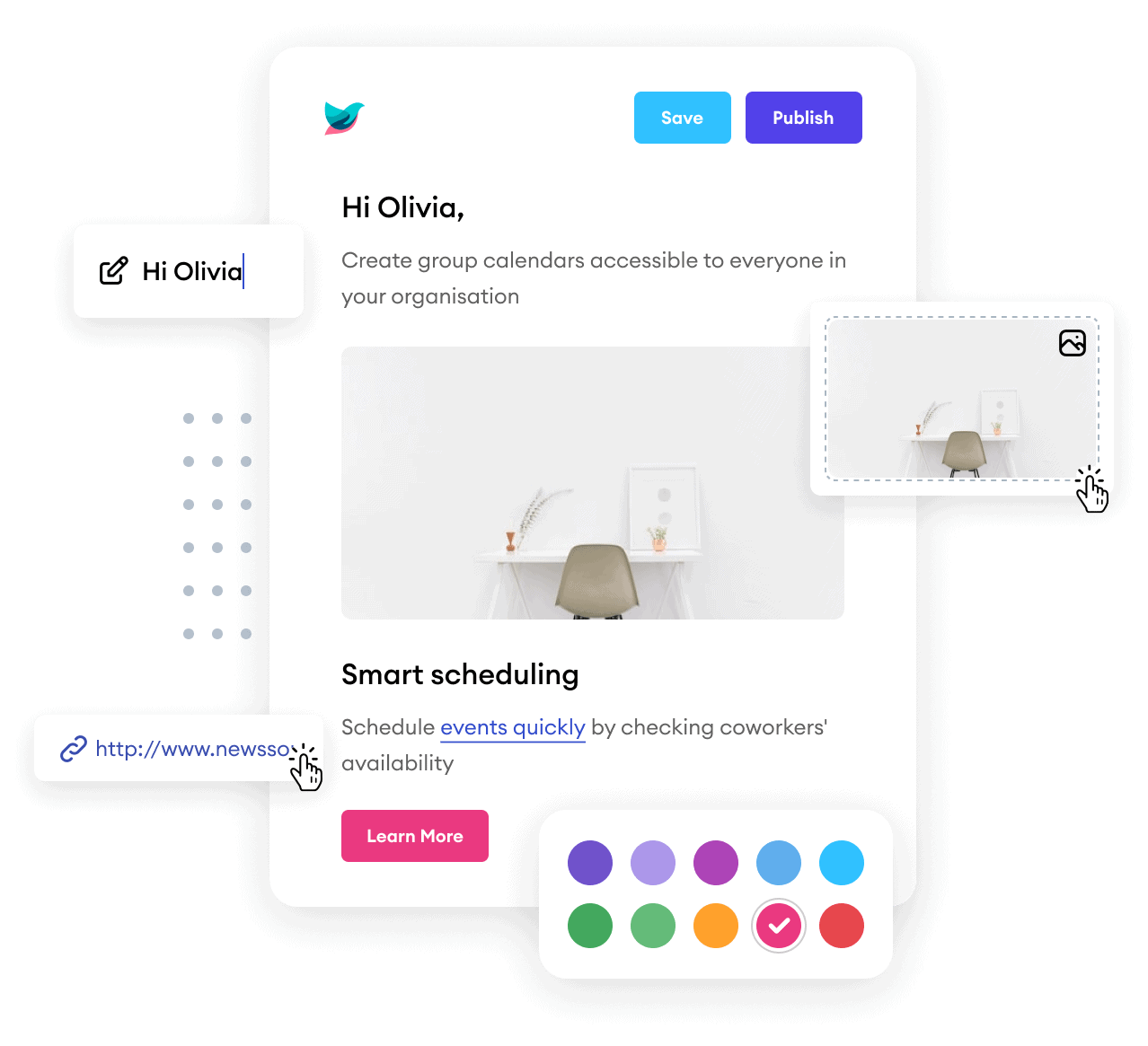
The first time Feedotter pulls in your blog posts and perfectly formats them into your HubSpot email template, it just clicks.
Your images, titles, and links show up instantly. No copy-paste, no rebuild, no hassle.

Works Seamlessly with Your HubSpot Templates
BUILT-IN FAMILIARITY
Feedotter uses your existing HubSpot templates, so there’s nothing new to design or learn.
You get the comfort of your current setup with automation doing the heavy lifting behind the scenes.
You Decide What Sends and When
COMPLETE CONTROL
You can review each email before it sends or let automation take over completely. You are always in control, from review mode to full autopilot.

Fully Hands-Off, Always On-Brand
TRUE RELIEF
Hit Start once and watch Feedotter build, schedule, and send your digest from within HubSpot automatically. No more tedious rebuilds. Just effortless, professional email delivery every time.
Request a demo


FAQs
Everything you need to know about the product and billing.Can't find the answer you're looking for? Please contact our friendly team.
Can I use my existing HubSpot blog digest template design?
Feedotter works seamlessly with your existing HubSpot blog digest templates and designs. You can import your current HubSpot blog digest template directly into Feedotter, or our team can help configure it for you. This ensures your digest emails stay perfectly on-brand while still benefiting from Feedotter’s automation features. If you don’t already have a template, Feedotter also provides a library of responsive, pre-built designs you can customize.
Does Feedotter send the emails?
No. Feedotter does not replace HubSpot ‘s blog digest sending functionality. Instead, it integrates with HubSpot helping you to build and layout your daily newsletters and scheduling them in HubSpot for sending, tracking, and reporting. This way, you keep all your newsletter analytics and deliverability within HubSpot.
How do analytics work with Feedotter?
Feedotter doesn’t replace HubSpot’s blog digest analytics — it enhances it. Because digests are sent through HubSpot, all opens, clicks, and engagement metrics remain tracked in the same place as your other campaigns. Feedotter automates the content and formatting process, while HubSpot handles deliverability, reporting, and analytics using the familiar Email Performance and Email Link Performance reporting. Additionally, many HubSpot blog digests use Feedotter’s UTM tagging feature to enable web-traffic analytics as well.
Does this work with my ad platform?
Yes. If your HubSpot blog digest include advertising placements, Feedotter will support them. You can embed ad server code, HubSpot tokens, or dynamic assets directly into your newsletter templates. Feedotter automatically populates your content while keeping ad slots intact, so your HubSpot newsletters can carry sponsorships, promotions, or house ads just like they do today.
Can Feedotter help me send content to my subscribers based on their content preferences?
Yes. Feedotter can help you personalize your blog digest content based on various segments and field properties. Send personlized content to segments and audiences like never before possible with HubSpot. This ensures your audience receives more relevant emails and drives higher engagement.
Send HubSpot blog digests.
Do less work.
Request a Demo